Option 2 - PopUp Window
Sometimes you need your calculator result always on top of all the other running applications, but the DeskCalc window might be to large on a crowded desktop. One solution is the PopUp Window.
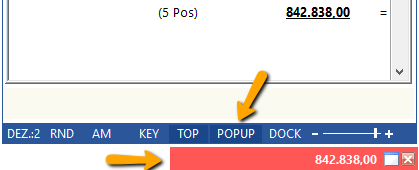
Show/hide the popup window by clicking the icon shown in the upper screenshot
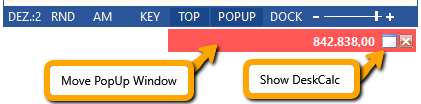
You may use the popup window to show/hide DeskCalc.
Option 3 - Docking DeskCalc

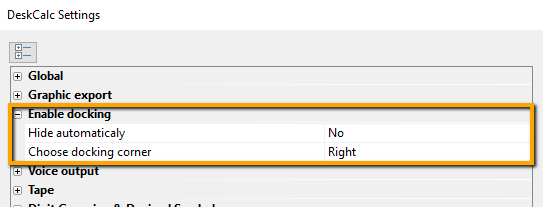
Enable "docking" and choose the "docking" options
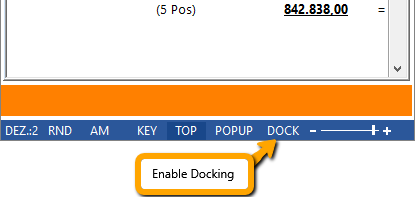
here are the docking options