Version 6.0.17
- Small calculator window for Windows with large system fonts, or with low desktop resolution
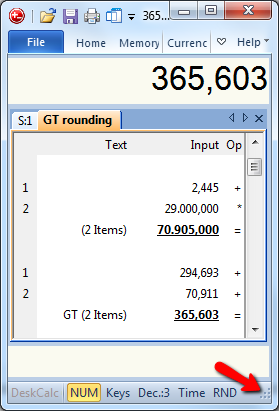
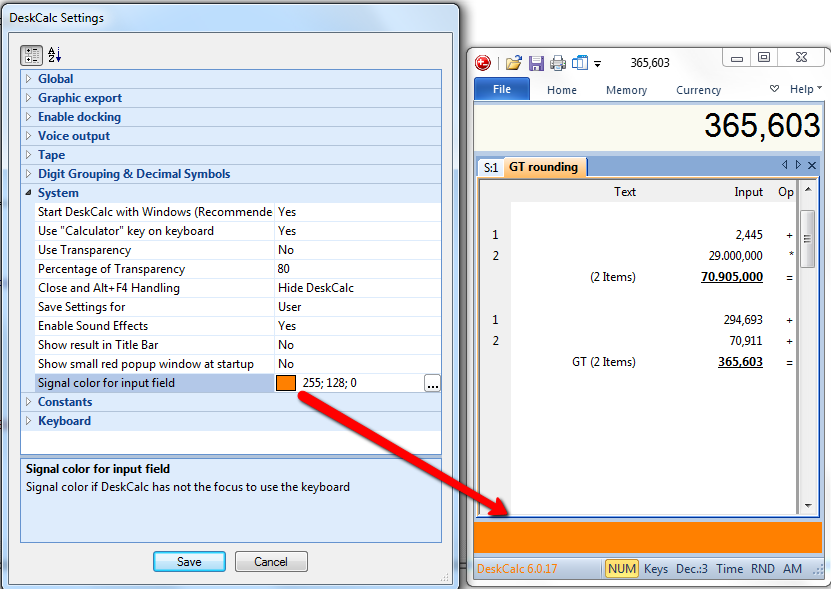
- Choose whatever color you like to see, if DeskCalc loses the keyboard input focus
New Version 6.0.16
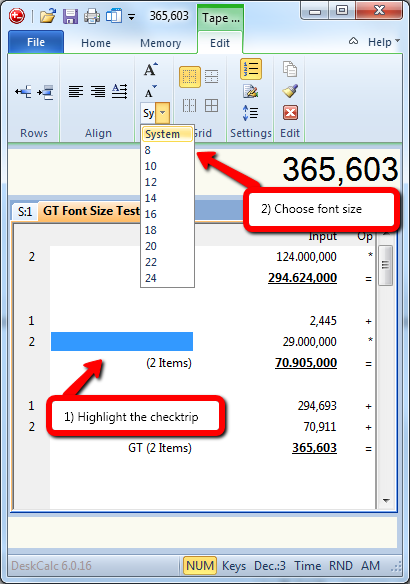
1) Ever larger screen resolutions make it necessary to have larger text in the calculation tape.
2) Kroation language updated for DeskCalc 6
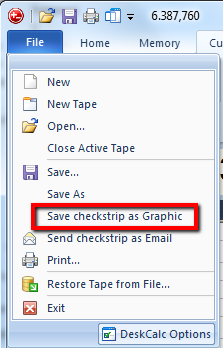
At the present we have the following tape/checkstrip export options: Excel, Word, Clipboard, send as eMail and Postit. Because of some requests we added one more: save checkstrip as graphic-file.
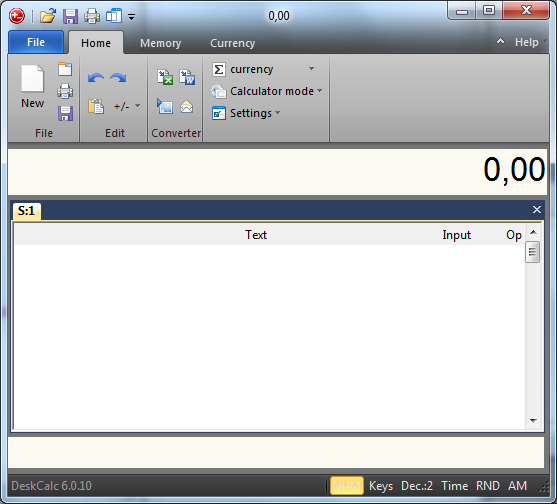
Previously DeskCalc was limited to vertical window size resizing, but version 6 finally allows you to change the width as well.
 Â
Â
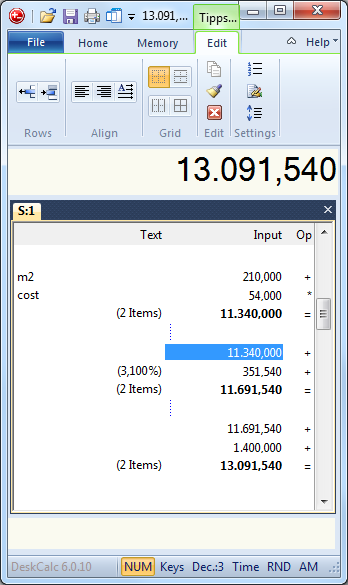
In previous DeskCalc versions all kind of tape settings like:
- line numbers
- memorized text
- align text
- tape settings
- add/remove lines
had been hidden in various setting dialogs. But if you click the tape now, all these
settings are available at the same time.
 Â
Â